By Olga Zaborceva, Dental Lab Manager at Bio-Dent Laboratories
Digital Workflow for Implant Abutments: How Scan-Based Planning Improves Restorative Outcomes
Modern implant dentistry relies heavily on digital technologies, but it’s still essential to understand how dental implant abutments function within the overall restorative process. Instead, digital workflows now play a major role. The way a clinician scans, transfers, designs, reviews, and fabricates a case can strongly affect the final restorative outcome.
This is especially true for implant abutments. Abutment design depends on precise implant position data, soft tissue information, restorative space, crown contour, margin planning, and communication between the clinic and the lab. Digital workflow makes it possible to bring all of those elements together in a more structured and more predictable way.
That does not mean digital automatically solves every problem. A poor scan, incomplete case data, or weak restorative planning can still produce a poor result. However, on the other hand, when clinicians handle the workflow correctly, digital systems often improve fit, reduce the need for corrections, strengthen communication, and make custom implant abutment planning much more precise.
This page explains how digital workflow affects implant abutment cases, why it matters, what the key steps are, and how dentists can use it to improve restorative accuracy and long-term predictability.
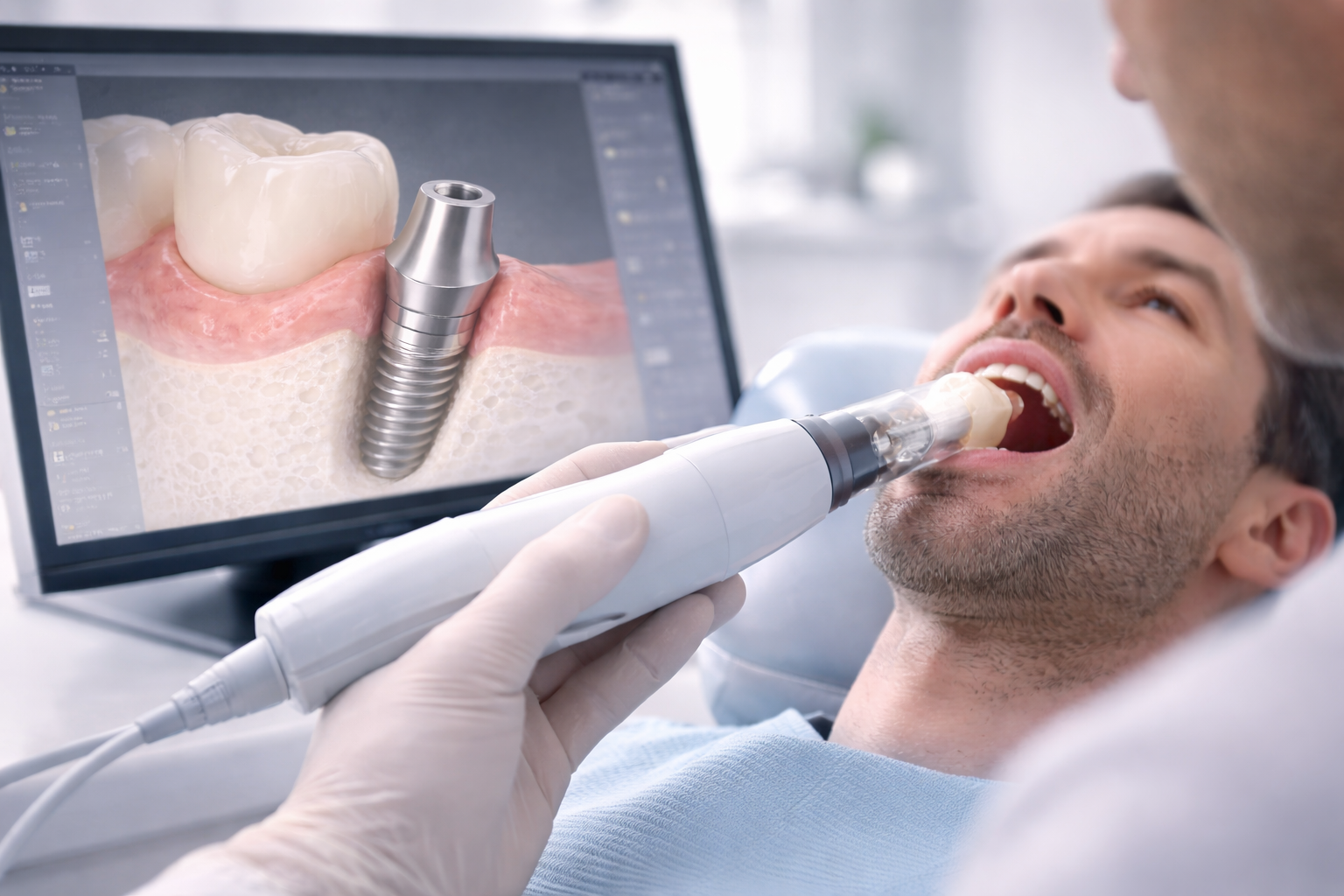
What Does Digital Workflow Mean in Implant Abutment Cases?
In implant prosthetics, digital workflow usually refers to a scan-based restorative process in which implant position, tissue form, occlusion, and restorative design are captured and transferred digitally rather than relying only on conventional impressions and analog steps. Digital planning becomes even more important when considering how implant position affects abutment choice in complex clinical situations.
In practical terms, digital workflow for implant abutments may include:
- intraoral scanning,
- scan body registration,
- implant library matching,
- digital soft tissue evaluation,
- CAD design of the abutment,
- crown-driven planning,
- digital communication between clinic and lab,
- CAD/CAM milling or manufacturing.
The main purpose of this workflow is not to be “more modern” for its own sake. The purpose is to make restorative planning more accurate, more consistent, and more intentional.
When the workflow is strong, the lab is no longer designing in the dark. It is designing from clearer restorative information.
Why Digital Workflow Matters for Abutment Design
Implant abutments are highly sensitive components. Small differences in angle, depth, tissue contour, and margin position can affect:
- emergence profile,
- crown contour,
- screw access direction,
- fit and seating,
- margin accessibility,
- hygiene potential,
- esthetic quality,
- chairside adjustment
In older analog workflows, some of these factors were managed well, but often with more variability, more manual compensation, and more dependency on physical models and interpretation.
Digital workflow improves this by allowing the restorative team to design the abutment with more case-specific data from the start. That can lead to:
- better contour planning,
- more precise margin positioning,
- improved adaptation to tissue shape,
- more predictable crown support,
- fewer surprises at delivery,
- smoother communication between clinic and lab.
In custom abutment cases, this difference can be especially important.
The Core Idea: Crown-Driven Abutment Planning
One of the key advantages of digital systems is the ability to create highly precise restorations, similar to the benefits seen in stock vs custom abutments.
A well-designed implant abutment should not be treated as a separate object chosen before the restoration is fully understood. Ideally, the abutment should be designed in relation to the final crown form.
That means the restorative team should think about:
- where the crown needs to emerge,
- how the soft tissue should be supported,
- where the margins should sit,
- how the crown contour should develop,
- whether the retention strategy is screw-retained or cement-retained,
- how the case will be cleaned and maintained later.
Digital workflow supports this because it allows the lab to work from the intended restorative shape rather than from a generic component alone.
This often leads to better abutments because the design starts with the final restorative objective, not just the implant connection.
The Role of Intraoral Scanning
Intraoral scanning is usually the first major step in digital implant workflow. In implant abutment cases, the scan captures the surrounding dentition, occlusion, soft tissue condition, and implant position through the use of a scan body.
A good scan can provide a strong restorative foundation. A weak scan can compromise everything that follows.
For implant abutment cases, scan quality affects:
- how accurately implant position is captured,
- how clearly tissue contours are represented,
- how well adjacent anatomy is registered,
- how reliably the lab can design the abutment,
- how accurately the final restoration will seat.
This is why digital workflow is not only about having a scanner. It is about using the scanner well and sending data that is complete, clean, and clinically useful.
Why Scan Bodies Matter
The scan body is one of the most important parts of digital implant workflow because it allows the software to identify the position and orientation of the implant.
If the scan body is not seated fully, is scanned poorly, or is linked incorrectly in the software, the entire digital design may be off. That can lead to:
- fit problems,
- incorrect angulation,
- margin issues,
- screw access errors,
- seating discrepancies,
- restorative remake risk.
For that reason, scan body handling should be treated with the same seriousness as any other critical implant component. In digital implant prosthetics, accuracy begins here.
Soft Tissue Information and Emergence Profile
One of the strongest benefits of digital workflow is the ability to evaluate soft tissue contour more intentionally.
Abutment design is not only about the implant platform. It is also about how the restoration emerges through the gingiva. If tissue contour is not captured well or not interpreted well, the final emergence profile may become less natural or less cleanable.
Digital workflow helps by allowing the lab to study:
- tissue height,
- tissue symmetry,
- cervical space,
- tissue thickness patterns,
- relationship between implant position and soft tissue form,
- how the abutment should support the intended restoration.
This is especially important in:
- anterior implant restorations,
- thin tissue cases,
- custom healing abutment workflows,
- custom abutment design for esthetic zones,
- crown forms that need refined cervical anatomy.
Digital tools allow clinicians to better control the implant emergence profile, improving both esthetics and tissue stability.
Why Custom Abutments Benefit So Much from Digital Workflow
Stock abutments can often be used with simpler workflows because they are predefined components. Custom abutments are different. Their value depends on how precisely they are designed for the case.
Digital workflow supports custom abutments by making it easier to design:
- patient-specific contour,
- margin location,
- tissue support,
- crown path,
- cervical emergence,
- screw access strategy,
- restorative compensation for implant position.
This is why digital workflow and custom abutment planning are closely linked. A strong digital case makes custom abutments more practical, more scalable, and more accurate for everyday implant restorative work.
Where Digital Workflow Improves Communication with the Lab
One of the biggest practical advantages of digital workflow is communication.
In analog workflows, some information was often implied rather than clearly transferred. In digital workflows, the clinic and lab can communicate more directly through:
- digital scans,
- photos,
- notes,
- design requests,
- shade references,
- annotated screenshots,
- software-based collaboration.
This matters because implant abutment design is rarely only a technical lab step. It is a restorative planning decision. The better the communication, the better the lab can align the abutment with the actual goals of the case.
A strong digital workflow makes it easier to say:
- this is an esthetic priority case,
- this tissue is thin,
- the implant is slightly facial,
- the crown form must stay conservative,
- the margin must remain accessible,
- the case should prioritize retrievability,
- the emergence profile must be softened.
That kind of clarity usually improves the final result.
How Digital Workflow Can Reduce Chairside Adjustments
One of the common frustrations in implant prosthetics is a restoration that technically fits but still needs too many adjustments at delivery.
These adjustments may relate to:
- contour,
- contacts,
- margin behavior,
- seating feel,
- screw access direction,
- crown support,
- soft tissue interaction.
When digital workflow is handled well, some of that variability can be reduced. That does not mean zero adjustment in every case. But it often means the abutment and restoration arrive closer to the intended result.
This can improve:
- appointment efficiency,
- clinician confidence,
- patient experience,
- remake reduction,
- long-term predictability.
For busy restorative practices, that improvement is highly valuable.
Digital Workflow and Implant Position Problems
Digital workflow does not erase implant position problems, but it can help the restorative team respond to them more intelligently.
If the implant is:
- slightly angled,
- slightly facial,
- slightly deep,
- in a sensitive esthetic position,
- limited by restorative space,
- the abutment design becomes more important.
Digital planning makes it easier to evaluate how much restorative compensation is needed and how the custom abutment should be shaped to reduce compromise.
In that sense, digital workflow is not magic. It is visibility. It gives the clinic and lab a clearer understanding of what the case actually needs. In advanced cases, digital planning can be combined with custom healing abutments to optimize soft tissue outcomes. That is one of its biggest strengths.
Digital Workflow in Screw-Retained vs Cement-Retained Planning
The workflow must also account for the type of restoration, especially when choosing between screw-retained vs cement-retained restorations. Retention planning also improves with digital workflow.
When the clinic and lab can evaluate implant angle digitally, they can make better decisions about:
- screw access location,
- whether screw retention is practical,
- whether cement retention introduces less or more compromise,
- how margins should be placed,
- how crown form will be affected.
This makes digital workflow especially useful in borderline cases where the retention strategy is not obvious from the start.
Instead of choosing by habit, the team can choose by design.
What the Lab Needs for a Strong Digital Abutment Case
Even the best lab cannot design an excellent abutment from incomplete or weak information.
For stronger digital implant abutment outcomes, the lab should ideally receive:
- a clean and complete scan,
- correct scan body registration,
- implant system information,
- bite relationship or occlusal data,
- soft tissue photos,
- shade goals when relevant,
- notes about retention preference,
- notes about esthetic priorities,
- information about whether the case is anterior or posterior priority,
- restorative concerns such as deep implant position or facial placement.
A digital file alone is not enough. What matters is whether the right clinical information is built around it.
Common Mistakes in Digital Implant Abutment Workflow
A common mistake is assuming that once the case is scanned, the workflow is automatically precise. That is not true. Digital only works well when the data is correct and the restorative planning is clear.
Other common mistakes include:
- poor scan body seating,
- incomplete scan capture,
- weak soft tissue registration,
- sending scans without restorative notes,
- assuming the lab will guess the intended contour,
- treating abutment design as separate from crown design,
- choosing digital workflow without a clear protocol.
When these mistakes happen, the problem is rarely “digital dentistry” itself. The problem is usually incomplete workflow discipline.
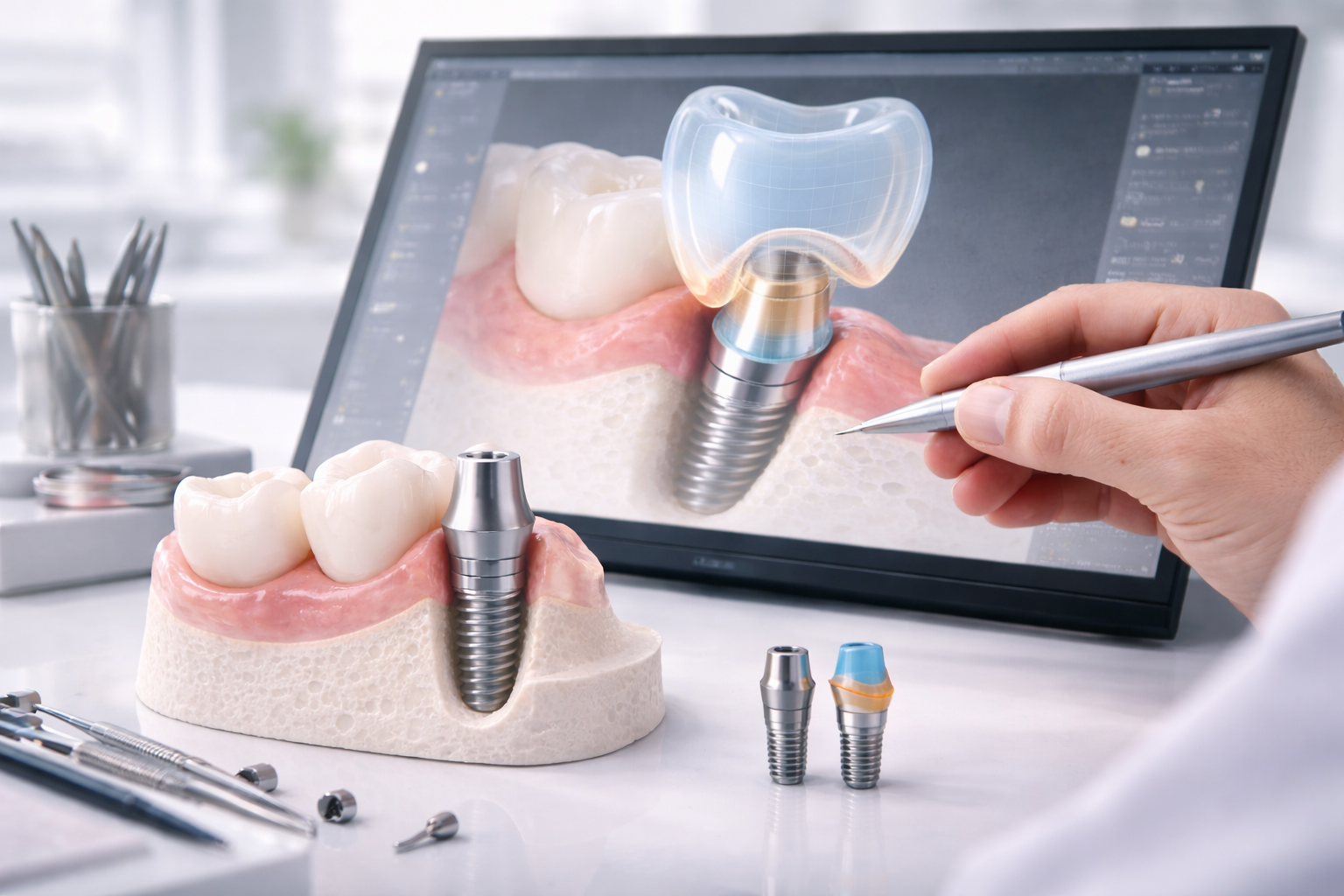
A Practical Way to Think About Digital Workflow
A useful way to think about digital implant workflow is this: digital does not replace restorative thinking. It improves the quality of restorative execution when the thinking is already clear.
The real questions are:
- what should the final crown look like,
- how should the tissue be supported,
- where should the margins go,
- how should the restoration be retained,
- what implant position limitations exist,
- what information does the lab need to design correctly?
If digital workflow helps answer those questions more clearly, then it is improving the case in the way that matters most.
Conclusion
Digital workflow has become one of the most important tools in modern implant abutment planning because it improves visibility, structure, and restorative precision.
When used well, it helps the clinic and lab design abutments with better contour, better tissue support, better margin control, and better alignment with the intended final restoration. It also improves communication, reduces variability, and makes custom restorative planning more practical.
The value of digital workflow is not that it makes cases look more advanced. The real value is that it can make implant restorations more accurate, more efficient, and more predictable.
FAQ
What is digital workflow in implant abutment cases?
Digital workflow is a scan-based restorative process that uses intraoral scans, scan bodies, CAD design, and digital communication to plan and fabricate implant abutments more precisely.
Why does digital workflow matter for custom abutments?
It matters because custom abutments depend on accurate implant position, tissue data, and crown-driven design. Digital workflow helps bring all of that together more clearly.
Can digital workflow reduce chairside adjustment?
Often yes. When the case data is strong and the design is accurate, digital workflow can reduce variability and help the restoration arrive closer to the intended result.
Does digital workflow replace good restorative planning?
No. It improves execution, but it does not replace clinical judgment, case design, or communication with the lab.
Why are scan bodies so important?
Scan bodies help the software identify implant position and orientation. If they are scanned poorly or seated incorrectly, the entire digital design can be compromised.
What information should be sent to the lab with a digital implant case?
The lab should ideally receive a clean scan, correct implant system details, soft tissue photos, occlusal data, and clear restorative notes about esthetics, retention, and case priorities.